Features
What it actually does.
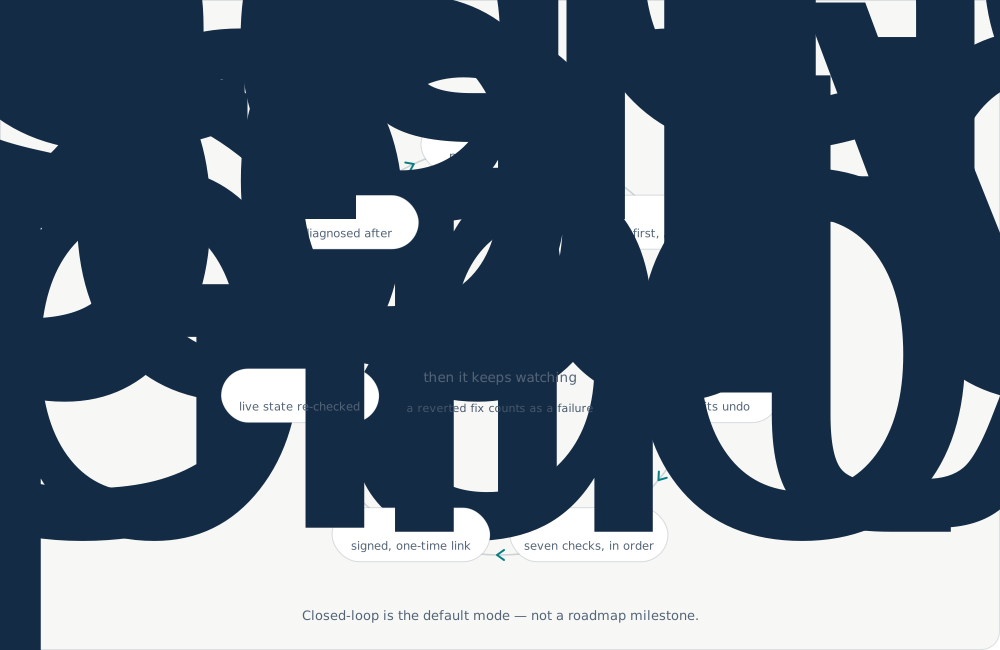
Five steps, re-run on every cycle. Closed-loop is the default mode here, not a roadmap milestone.
-
01
Install
One Helm chart on any conformant Kubernetes 1.27+ — EKS, GKE, AKS, k3s, RKE2, OpenShift.
helm repo add srenix <signup with us for a design partner> helm install srenix srenix/agentic-sre -
02
Detect
21 Kubernetes probes, plus 10 each for AWS, GCP and Azure. 21 analyzers covering drift, logs, workload and diagnostics. Three ways to trigger: resource events, Prometheus alerts through Alertmanager, and external webhooks authenticated with HMAC.
-
03
Remediate
Five policy-bounded fixers run by default. Anything the AI proposes needs a human click on a signed link — unless it clears every gate at very high confidence, in which case it can merge on its own. That path is off until you turn it on.
-
04
Report
Findings reach Slack, Alertmanager and OpenProject. Jira and ServiceNow on Enterprise. Every finding is also a Kubernetes resource, so you can query cluster drift with kubectl.
kubectl get driftreports kubectl get driftreports -w -
05
Verify
Re-diagnose after every fix. No “the fix probably worked” — it re-checks and closes the loop, and a fix that gets reverted later counts as a failure.
The same steps, as a loop
One command, against a snapshot
No install and no RBAC needed to see what it finds. Point it at a read-only snapshot and it reports every probe it checked and every diagnostic it raised.
Four probes healthy, twenty more checked, nine diagnostics raised — a missing Stripe key, an unready ExternalSecret and an expired certificate among them. Replayed from the repo’s own demo output.
Three commitments underneath it
An agent that finishes the job
Most of this category observes and summarises. Srenix proposes an action, signs it, and executes it on one click — always inside the policy you set: which kinds of action, which namespaces, which resources. The agent brings the reasoning; the policy holds the leash.
In your cluster, on your model
No SaaS and no vendor lock-in on the model. Point it at any OpenAI-compatible endpoint — an in-cluster vLLM, Azure OpenAI, your own gateway. Cluster data and prompts stay inside your perimeter.
Inspectable and audit-anchored
Every decision lands in a signed, hash-chained record, and our Design Partners and customers can review the source of the safety envelope rather than trust a description of it.
See it find something on your cluster.
Install takes five minutes and changes nothing until you let it. We will walk a real incident on your stack with you.